Find the note
Match note names to physical keys, beginning with the notes you want to know better.
For iPhone & iPad
Short note, interval and chord drills for the keyboard you already own.
Choose a short drill, answer on a MIDI keyboard or touch keys, and revisit the skills that need another try.
Find the note
F♯
Play it on your keyboard.
Illustrative practice card · not a device screenshot
One simple loop
KeyDrill stays narrow on purpose: individual notes, intervals, chords, immediate answers, and a session you can finish.
Match note names to physical keys, beginning with the notes you want to know better.
Turn a note on the staff into the key you play. Practice with treble and bass clefs.
Start on a root and find the note at a named musical distance above or below it.
Listen to two tones and name their relationship in a separate ear-practice exercise.
Practice m, M, m7, Maj7, dim and 6. Include every chord tone in any octave; inversions, doubled notes and extras are accepted.
Explore without questions or scoring. Choose A/B/C or Do/Re/Mi in Settings. Drills offer optional timers and automatic advancement.
INSIDE THE APP
Actual iPad screenshots from the development build. Select an image to view it full size.
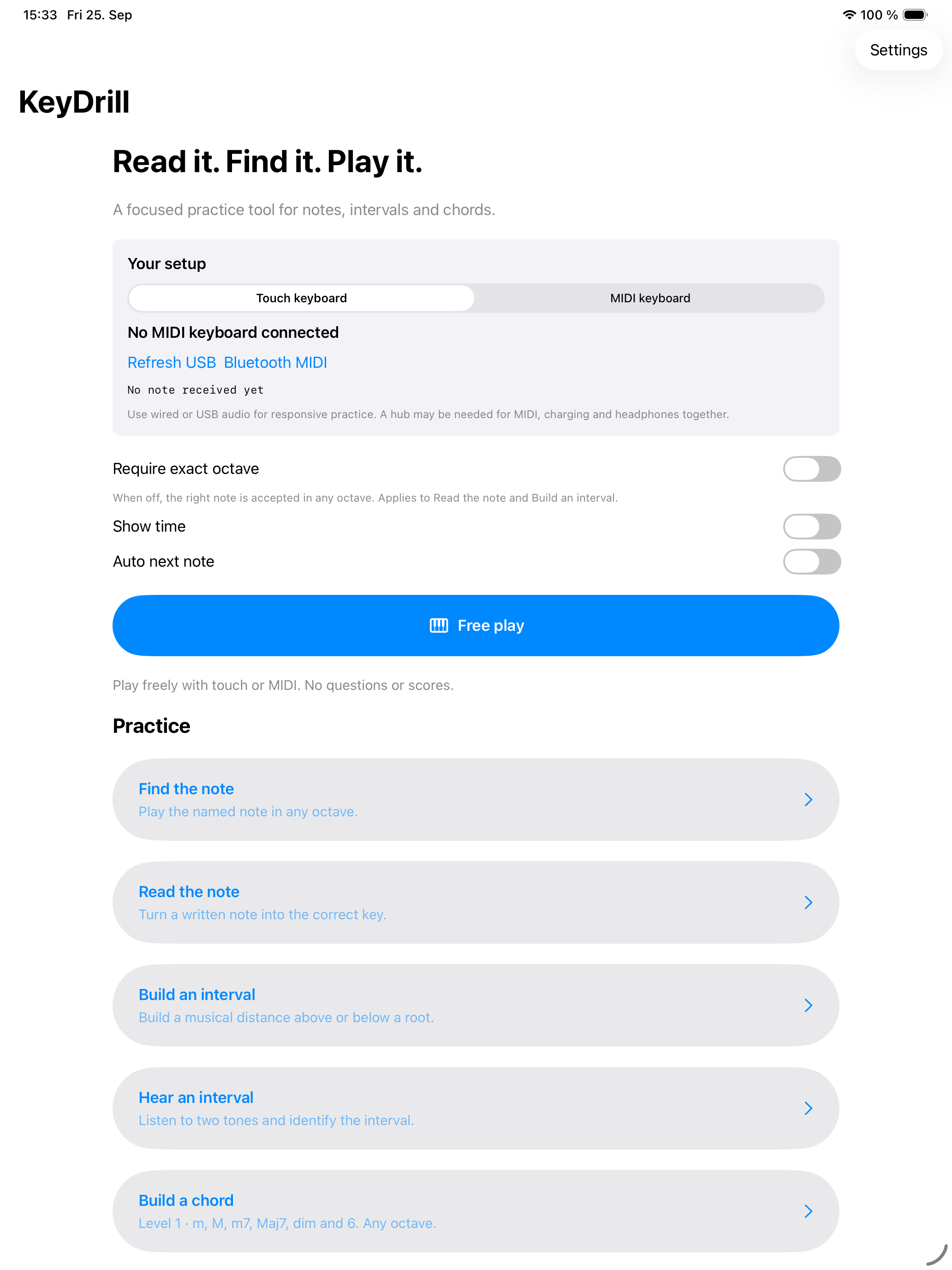
Start a drill or explore the keyboard in Free play.
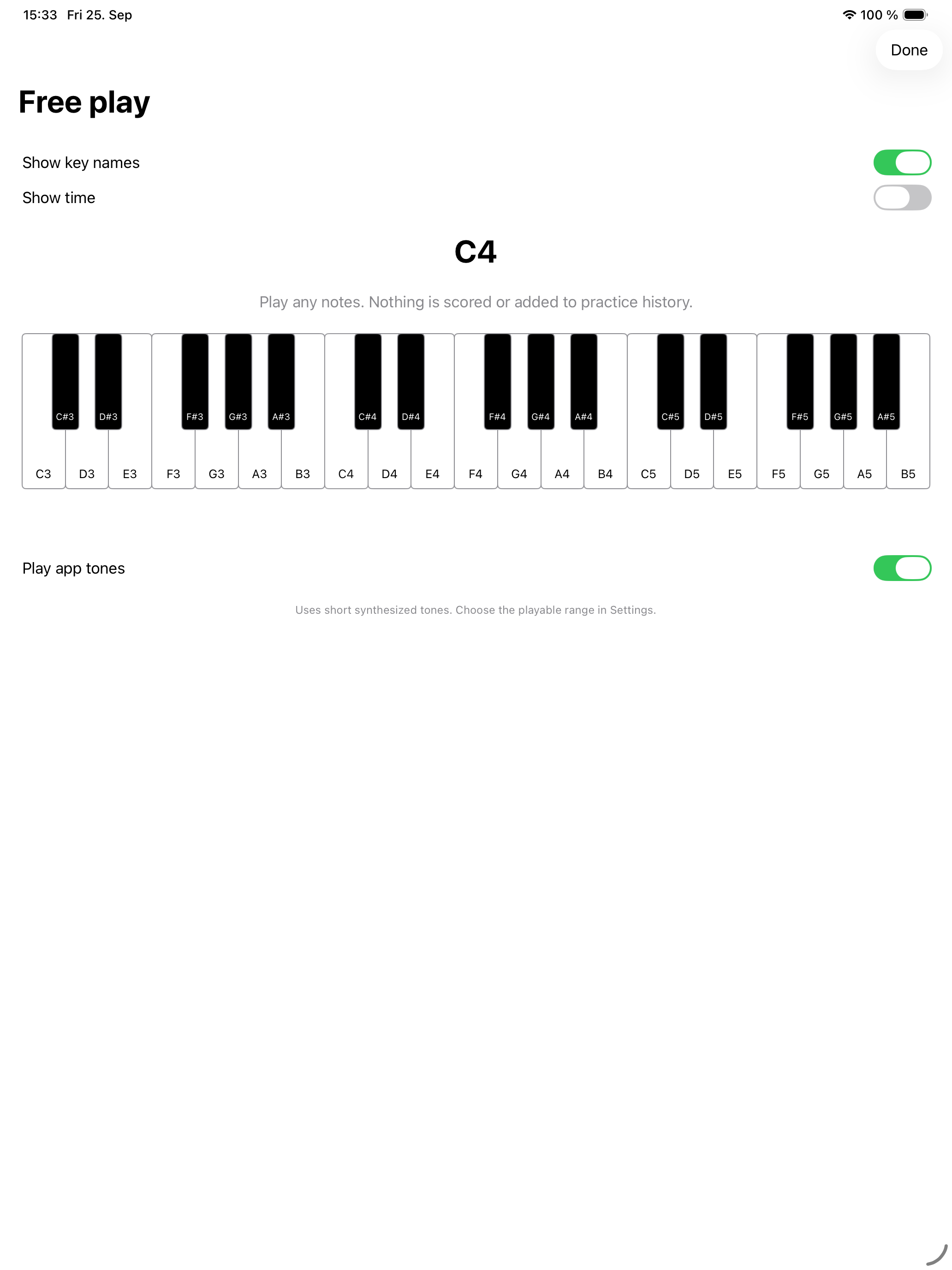
Explore notes with optional key labels and sound.
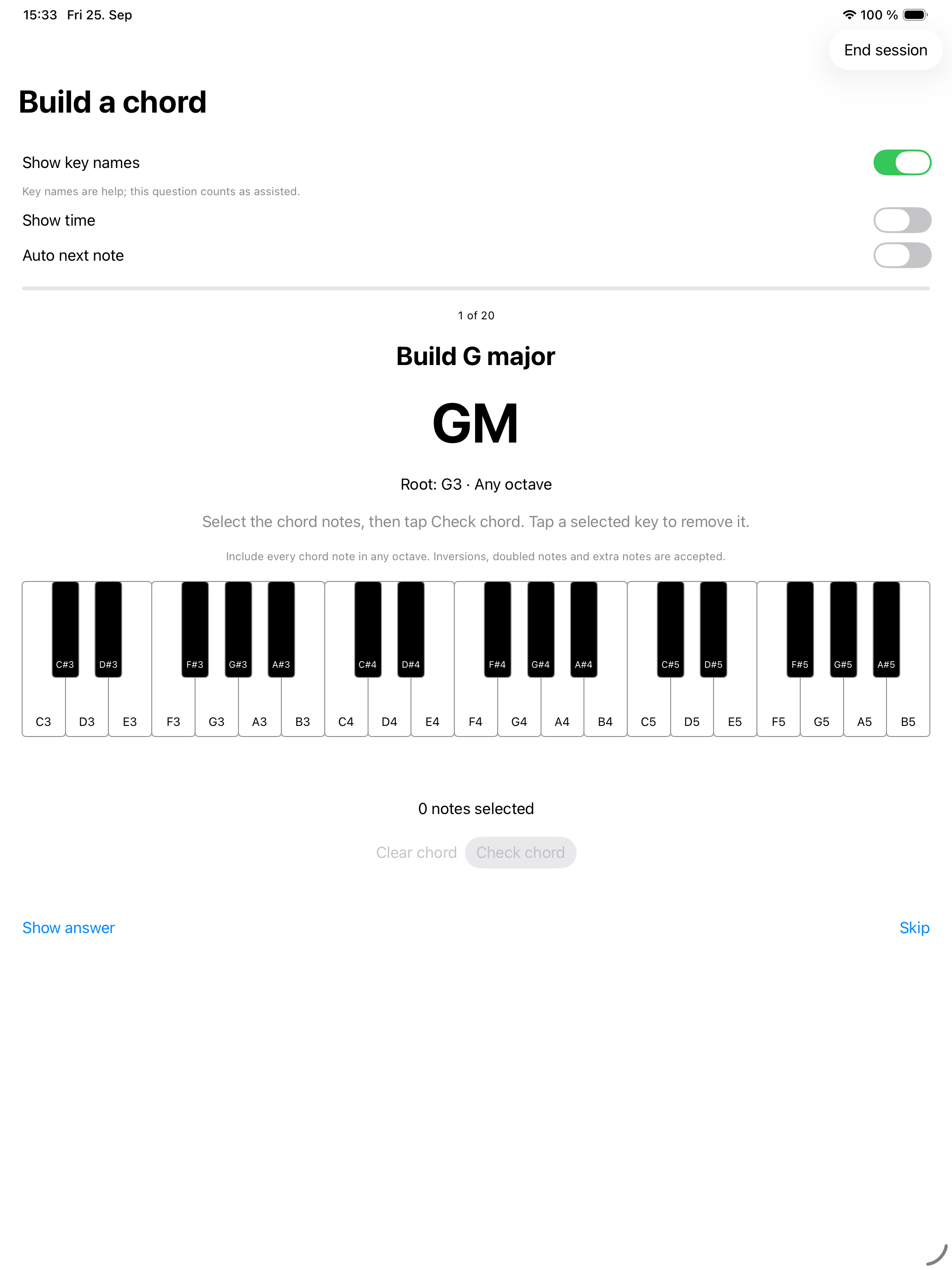
Find the chord tones in any octave, then check your answer.
Made for real keys
Connect a compatible MIDI keyboard to your iPhone or iPad, or use the on-screen keys. KeyDrill has been tried with multiple keyboards; the connection steps depend on your device and keyboard.
Read MIDI setup guidanceChoose your MIDI keyboard or use the on-screen keys.
Set the note range, clef, or interval you want to work on.
Get an immediate result, then give difficult prompts another try.
Private by default
KeyDrill keeps settings and recent practice history on your device. Exercises work offline. There is no account, advertising or analytics SDK. Device backups, support requests and files you choose to share are separate.
Read the privacy detailsGood to know
No. You can practice with the on-screen keyboard. For physical-key practice, connect a compatible MIDI keyboard; see the MIDI setup guide for connection steps.
Your device supplies practice tones. Some setups need an adapter or powered hub for MIDI and wired or USB audio. Bluetooth MIDI and Bluetooth headphone audio are different paths.
No. The first version reads MIDI events or touch input, not microphone audio. It does not assess fingering or replace a piano teacher.
The current build has no subscriptions or in-app purchases. All five practice modes and free play are unlocked. App Store availability and pricing have not been announced.
KeyDrill is preparing for release
Follow the project for beta and release updates.
Beta access coming soon